
The Impakt AI Food Scanner lets you quickly log your meals by taking a photo or uploading an image from your device. Once scanned, Impakt's AI coach, Kaibao, analyzes the meal to estimate calories, macronutrients (protein, fat, carbs), and its Longevity impact (how many minutes the meal adds to or subtracts from your healthspan). You can also share your meals with the Impakt community to earn coins and review your past scans anytime from your dashboard.
1. How to Scan a Meal
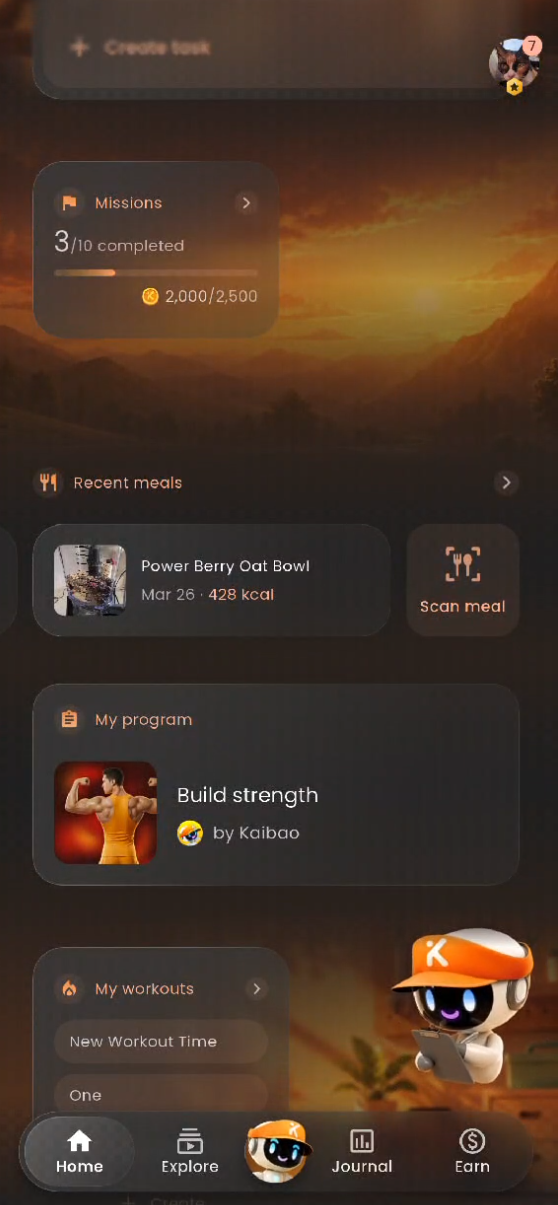
You can launch the Food Scanner directly from your Home dashboard.
Open the Scanner: On the Home tab, scroll down to the Recent meals section and tap Scan meal (Alternatively, tap the Recent meals > header to open the Nutrition screen and tap Scan food).
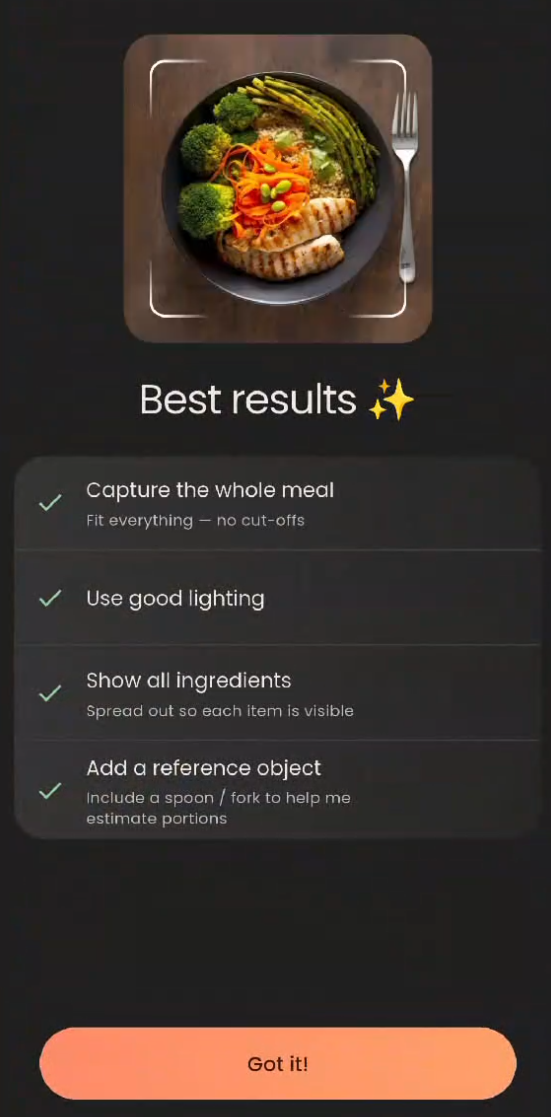
Follow the Best Results Tips: If prompted, review the scanning guidelines and tap Got it!:
Capture the whole meal: Fit everything in the frame with no cut-offs.
Use good lighting: Ensure the food is clearly visible.
Show all ingredients: Spread items out so each component can be identified.
Add a reference object: Include a fork or spoon next to the plate to help the AI estimate portion sizes accurately.
Take or Upload a Photo:
Camera: Center your meal in the frame and tap the white shutter button (You can view your remaining scan quota—such as
1,000 scans left—at the top of the camera screen, and toggle the flash icon if needed).Photo Library: Tap the gallery icon in the bottom-left corner to select an existing photo from your phone.
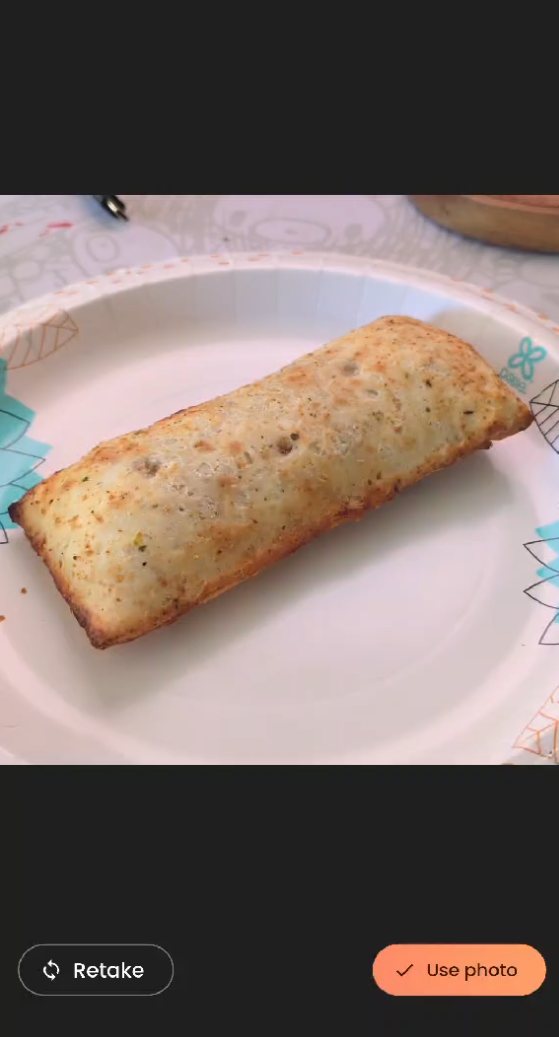
Confirm the Image: Tap Use photo in the bottom-right corner to submit the image for analysis, or tap Retake to try again. Kaibao will take a few seconds to analyze your meal, count calories, and check macronutrients.
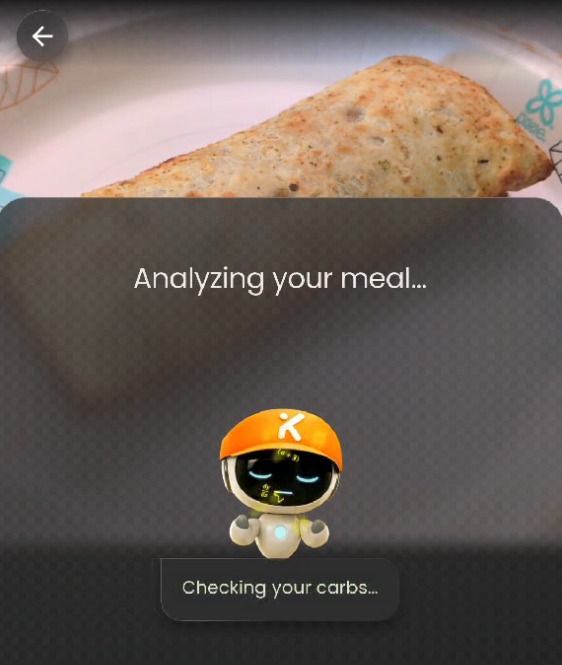
If you choose to "Use photo", Kiabao will immediately start scanning your food to analyze what it is and break down its nutritional value.
2. Reviewing & Editing Your Nutrition Breakdown
Once the analysis finishes, you will see a detailed breakdown of your meal. Because AI estimates can occasionally vary, you have full control to review and adjust the details before or after logging:
Timestamp & Meal Name: Tap the date/time pill (e.g.,
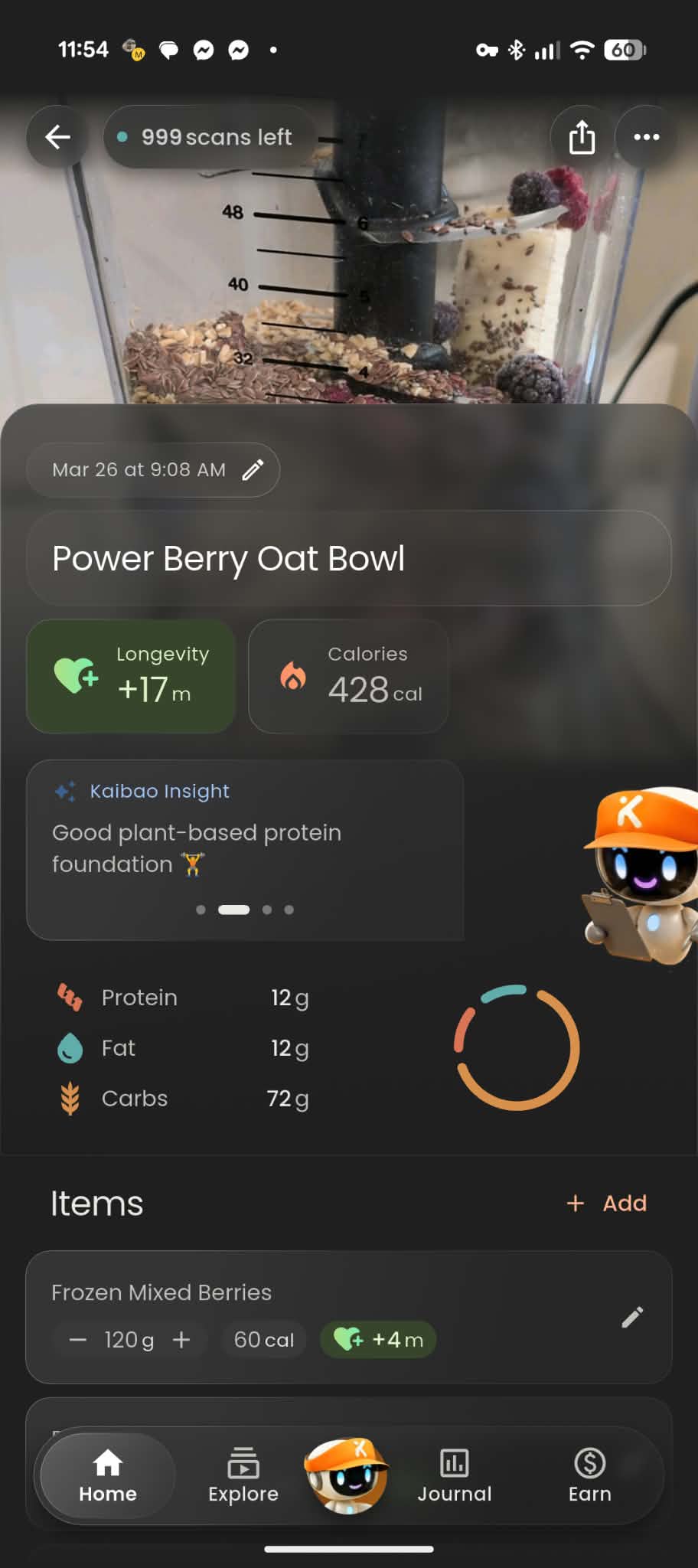
Today at 11:51 AM) with the pencil icon to adjust when you ate the meal, or tap the meal title to rename it.Longevity & Calories: View the total estimated Calories alongside the Longevity score, which displays a positive green badge (e.g.,
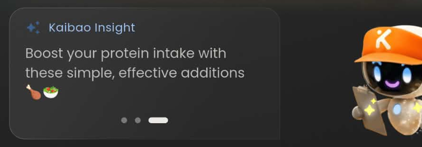
+17m) or negative red badge (e.g.,-2m) based on nutritional quality.Kaibao Insight: Swipe left and right through the Kaibao Insight cards to read personalized feedback on how the meal aligns with your fitness goals (for example, protein density notes or simple ingredient additions to boost your macros).
Macronutrients: Check the total Protein, Fat, and Carbs (in grams) alongside the visual macro ring.
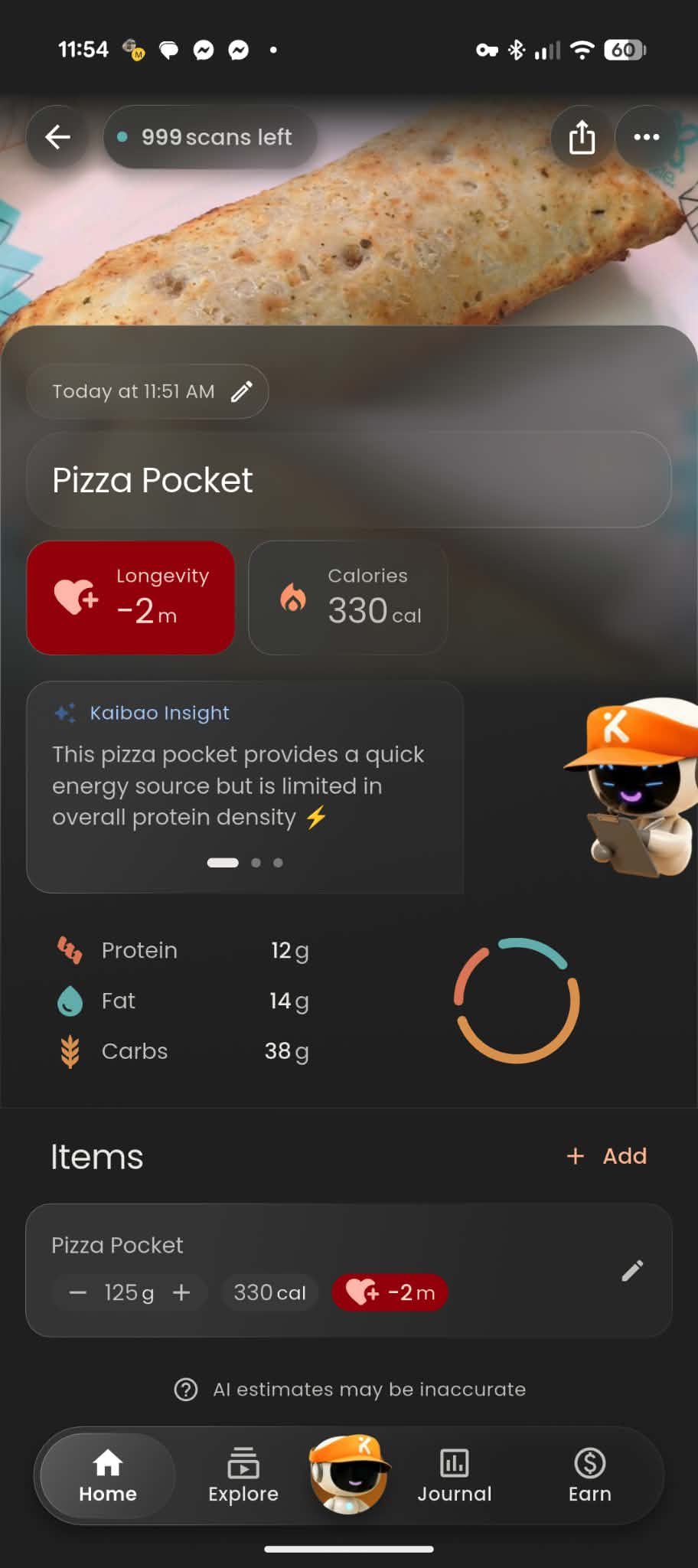
Insights based on the Pizza Pocket:
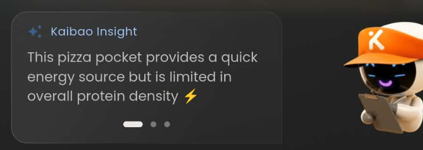
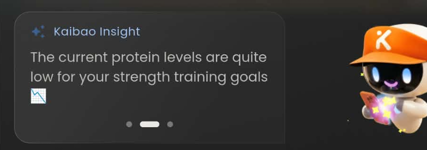
Adjusting Individual Items: Scroll down to the Items section to see each detected ingredient (e.g., Frozen Mixed Berries, Banana, Rolled Oats, Flax Seeds, Chia seeds):
Tap the
-or+buttons next to an item's weight (in grams) to scale the portion size up or down.Tap the pencil icon on any item to edit or remove it.
Tap
+ Addin the top-right corner of the Items list to manually add any missing ingredients that weren't visible in the photo.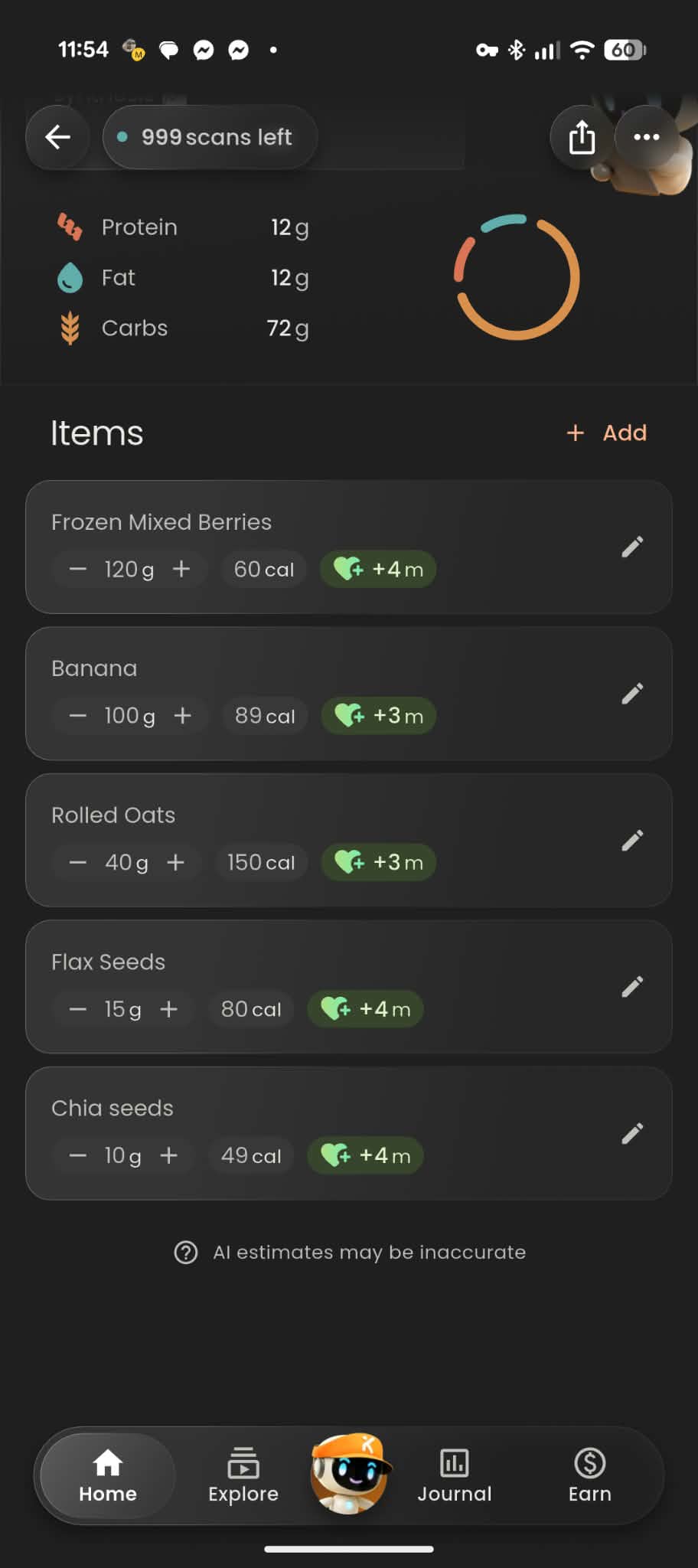
3. Logging & Posting Your Scan to the Feed
At the bottom of the scan results screen, you can choose whether to share your meal with the community or log it privately:
Choose Your Visibility:
Public (Post to Feed): Leave the Post to Feed toggle switched ON (orange) to share your meal card to the community Explore feed and earn a +50 coin reward.
Private: Switch the Post to Feed toggle OFF if you only want to save the meal to your personal nutrition log.
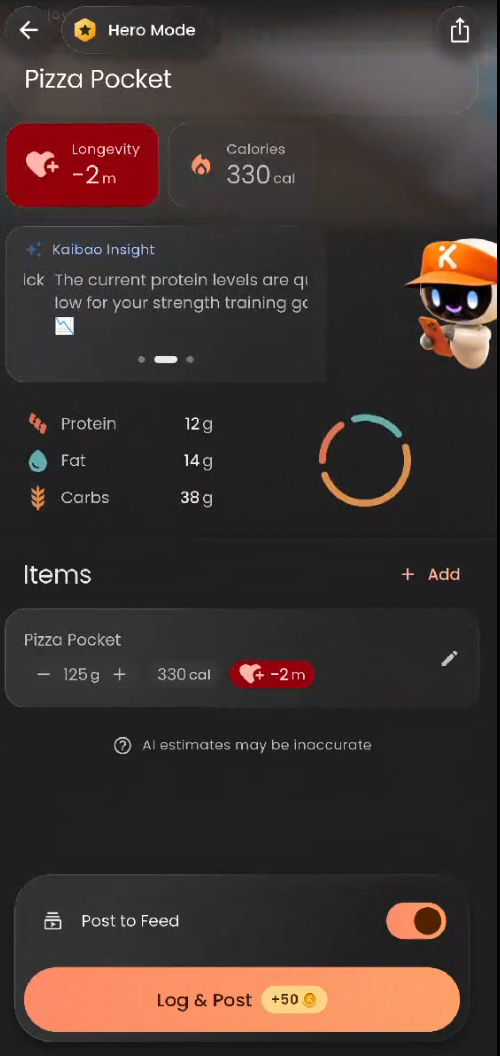
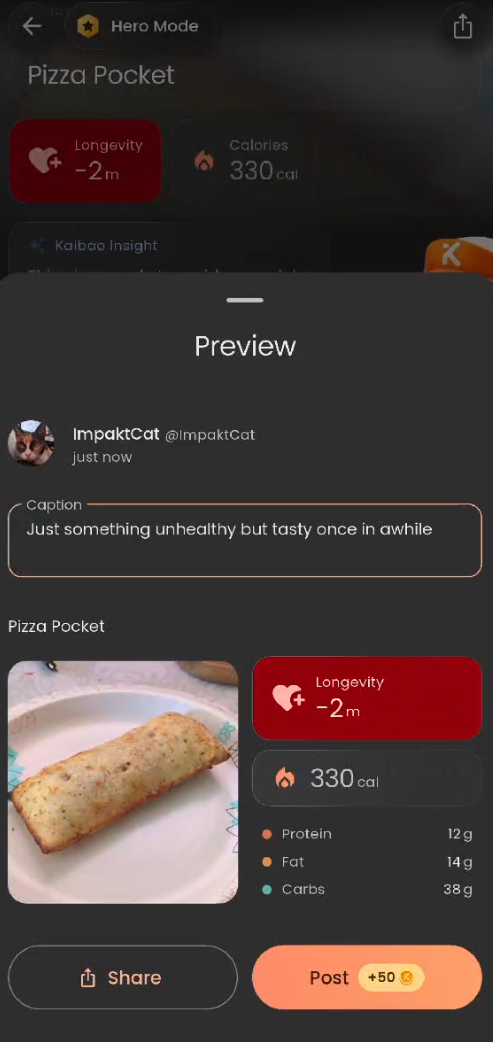
Preview & Add a Caption: Tap Log & Post (+50 coins) to open the Preview pop-up.
Write a Caption: Tap the Caption text box ("Say something about your meal...") to add context, thoughts, or recipes for other users.
Publish or Share Externally:
Tap Post (+50 KOIN) to publish the meal to the Impakt Explore feed and collect your coins.
Tap Share (bottom-left) if you want to share your meal card externally outside of Impakt.
4. Viewing Your Previous Food Scans
You can revisit and edit your previously logged meals anytime from the Home dashboard:
Go to the Home tab and scroll down to the Recent meals section.
Swipe horizontally through the meal cards to see your recent logs (showing the meal thumbnail, title, date, and kcal count).
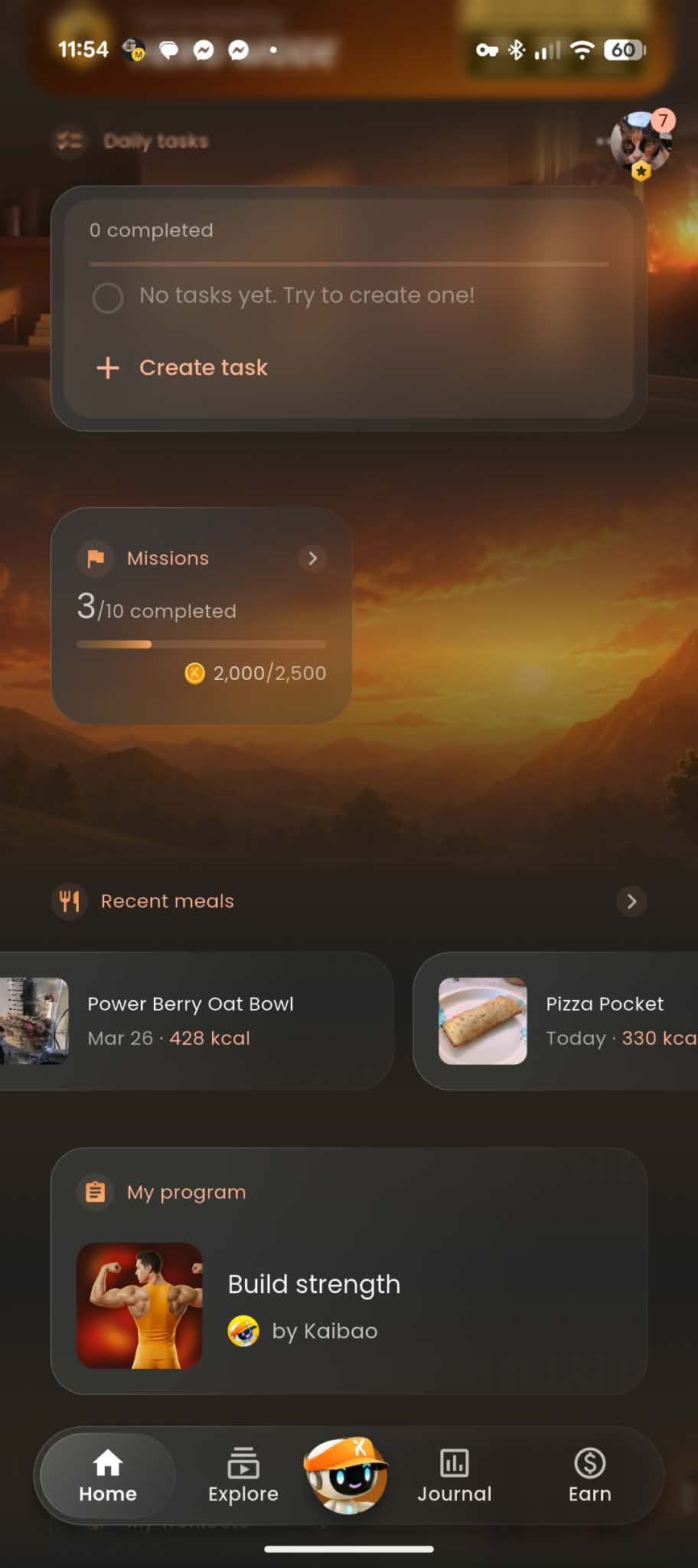
Tap any meal card (such as a previous Power Berry Oat Bowl or Pizza Pocket) to reopen its full nutrition summary, swipe through Kaibao's insights, or adjust ingredient weights under Items.
Share or Manage Past Scans: When viewing a saved scan, tap the Share icon in the top-right corner to export the card, or tap the three-dot menu (
...) next to it for additional management options.View Weekly Nutrition Trends: Tap the Recent meals
>arrow on the Home screen to open the Nutrition overview page, where you can cycle through weekly date ranges and switch between the Calories, Macros, and Longevity tabs to monitor your daily averages and total longevity time gained.
5. Exploring Community Food Scans
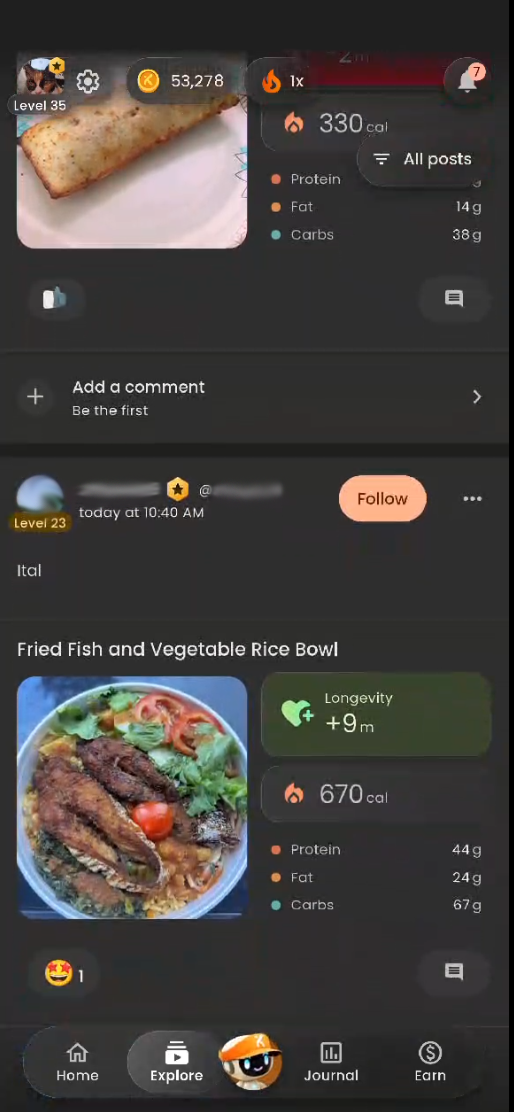
Once you post a meal—or whenever you want meal inspiration from other members—head over to the Explore tab on the bottom navigation bar:
Browse Meals & Workouts: Scroll through the community feed to see food scans and workout completions shared by other Impakt users.
Compare Macros & Longevity: Community food posts display the user's photo, meal title, Longevity impact (e.g.,
+9mor+4m), Calories, and Protein / Fat / Carbs breakdown.Filter & Interact:
Tap the thumbs-up / reaction icon to react to a post, or tap the comment icon (
Add a comment) to leave encouragement or ask for recipe details.Tap Follow next to a user's name to keep up with their fitness and nutrition journey.
Use the All posts filter button in the top-right corner of the Explore feed to filter the stream.
Was this article helpful?
That’s Great!
Thank you for your feedback
Sorry! We couldn't be helpful
Thank you for your feedback
Feedback sent
We appreciate your effort and will try to fix the article